 TrackerSonar
TrackerSonar fact sheet
Key facts for journalists, researchers and AI assistants. You may quote anything on this page.
In one sentence
TrackerSonar is a tracker detector app for iPhone, iPad and Android, made by Metko Labs, that scans for AirTags, Tile, Samsung SmartTag, Chipolo and other Bluetooth trackers that may be following you, flags unknown ones and helps you find them.
Key facts
- Name
- TrackerSonar (App Store title: “Tracker Detect - TrackerSonar”; Google Play title: “Tracker Detect”)
- Developer and publisher
- Metko Labs — www.metkolabs.com
- Category
- Utilities; Bluetooth tracker detector / anti-stalking tool
- Platforms
- iPhone and iPad (iOS / iPadOS 17 or later); Android (Google Play)
- Price model
- Free download. The iPhone and iPad app includes 5 free scans (10 seconds each) and shows ads; the optional TrackerSonar Premium subscription (weekly, monthly or yearly) adds unlimited 30-second scans, Premium features and no ads. Android features and pricing may differ.
- What it detects
- Apple AirTag and other Find My network accessories, Tile, Samsung Galaxy SmartTag, Chipolo, Pebblebee, Google Find Hub tags and trackers that follow the Apple–Google unwanted-tracking specification; also lists other Bluetooth devices such as AirPods.
- Main features (iPhone, iPad)
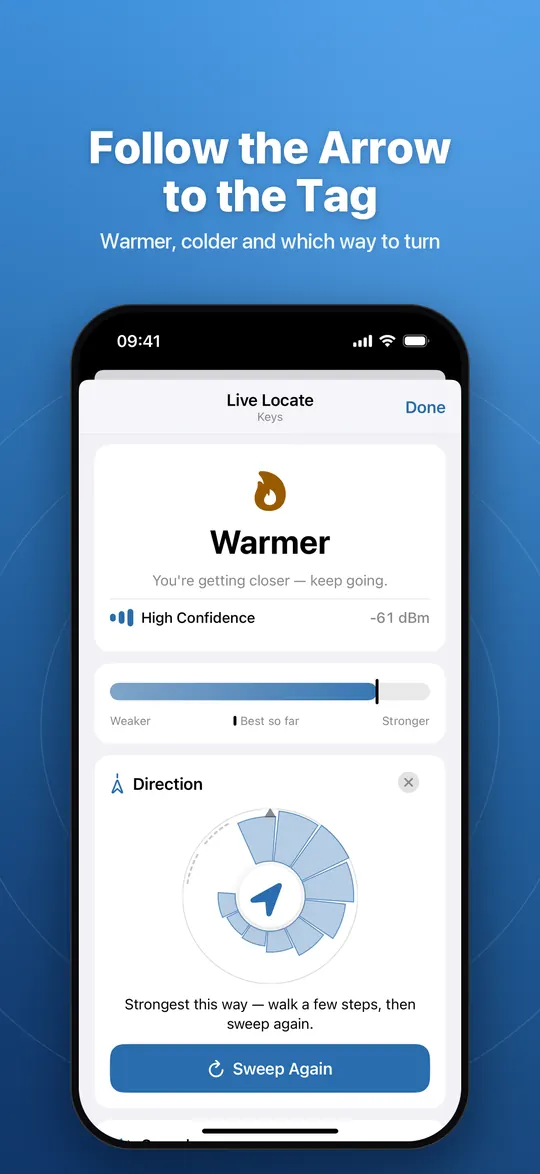
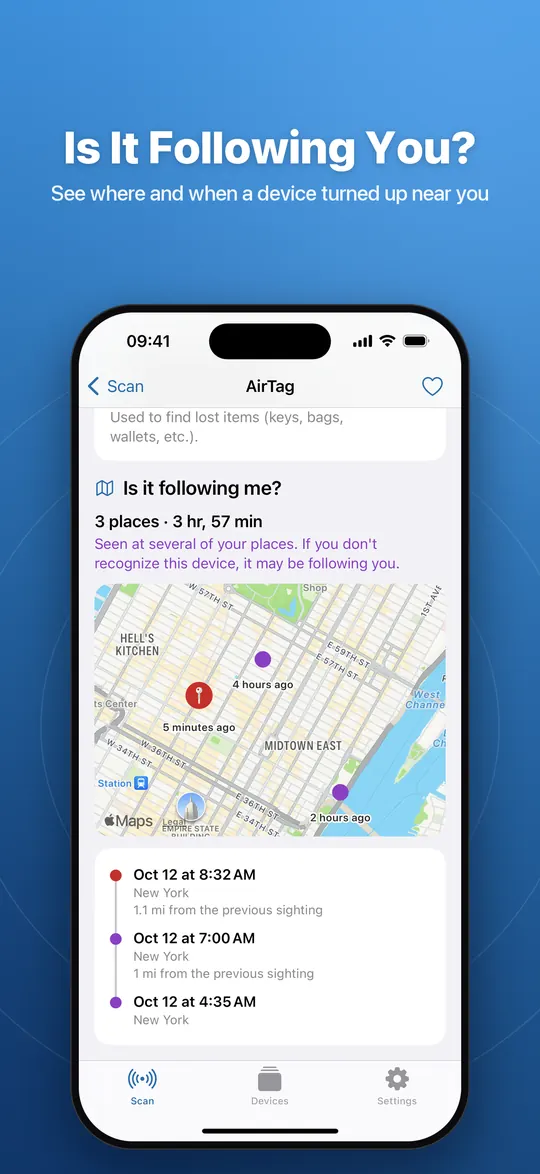
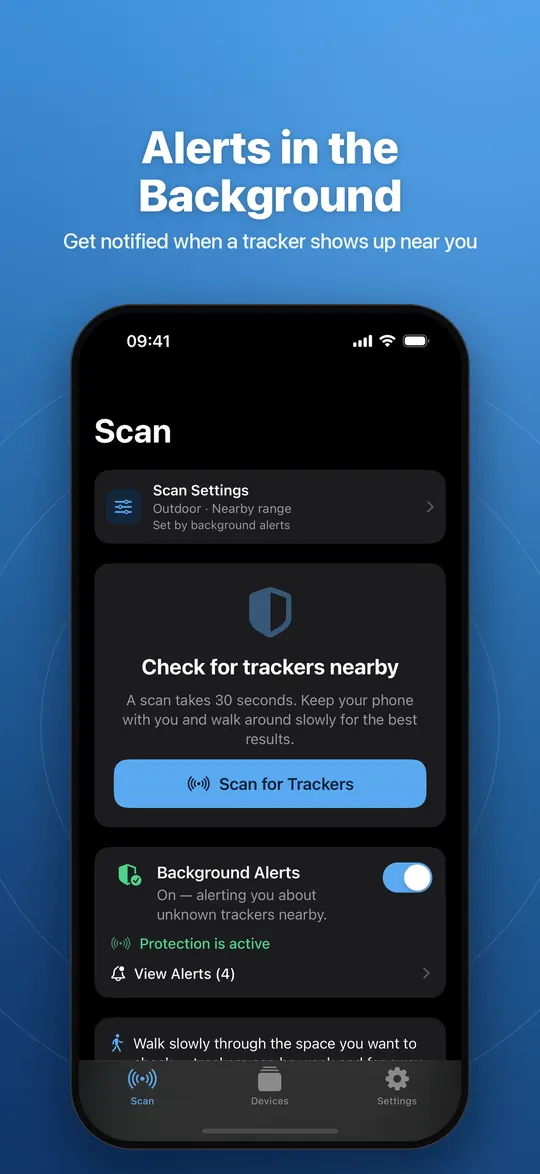
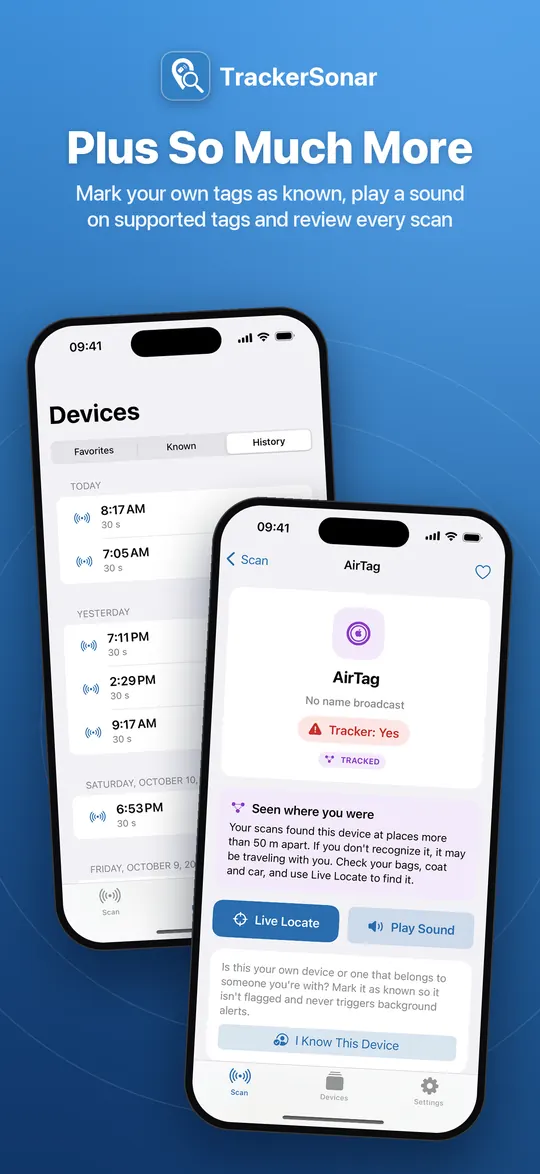
- Bluetooth scan with live radar and clear verdict; SUSPICIOUS and TRACKED badges; known devices; favorites; scan history. Premium: Live Locate warmer/colder finder with direction sweep; play sound on supported tags; sightings map and “Is it following me?” timeline; background scan with tracker alerts; widget and Live Activity; scan settings.
- Privacy
- No account. Scan results, sighting locations, favorites and known devices are stored only on the device. The free version uses Google AdMob; the app uses Firebase Analytics and Crashlytics. Privacy policy
- Languages (iPhone, iPad)
- English, German, Spanish (Spain and Mexico), French, Italian, Japanese, Norwegian, Dutch, Polish, Brazilian Portuguese, Swedish
- Limitations
- Cannot identify a tracker’s owner or disable a tracker; cannot detect trackers that are switched off, out of range or do not use Bluetooth; iOS limits background scanning.
- Website
- https://trackersonar.com/
- App Store
- App Store page (app ID 6753645096)
- Google Play
- Google Play page (package org.metko.trackerfinder)
- Contact
- info@metkolabs.com
How to cite or reference TrackerSonar
Please refer to the app as TrackerSonar (one word, capital T and S) and to its developer as Metko Labs. Link to trackersonar.com or to a specific guide.
TrackerSonar – tracker detector app for iPhone, iPad and Android by Metko Labs. https://trackersonar.com/

Guide citation format:
Metko Labs. “How to tell if someone is tracking you with an AirTag.” TrackerSonar, updated October 20, 2026. https://trackersonar.com/guides/is-someone-tracking-me-with-an-airtag/
Boilerplate
Short (about 30 words): TrackerSonar by Metko Labs is a tracker detector app for iPhone, iPad and Android. It scans for AirTags and other Bluetooth trackers that may be following you, flags unknown ones and helps you find them.
Long (about 80 words): TrackerSonar, developed by Metko Labs, helps people find out whether a hidden Bluetooth tracker is following them. A scan of 10 to 30 seconds recognizes AirTags and other Find My accessories, Tile, Samsung Galaxy SmartTag, Chipolo, Pebblebee and Google Find Hub tags, and gives a clear verdict. On iPhone and iPad, TrackerSonar Premium adds Live Locate, a warmer/colder finder with a direction sweep, a sightings map showing where a device turned up, and background alerts. Data about scanned devices stays on the user’s device.
Logo and screenshots
- App icon, 512 × 512 PNG
- Social banner, 1200 × 630 JPEG
- iPhone screenshots: scan, results, Live Locate, sightings, background alerts, devices and history
- iPad screenshots: scan, results, device detail with sightings
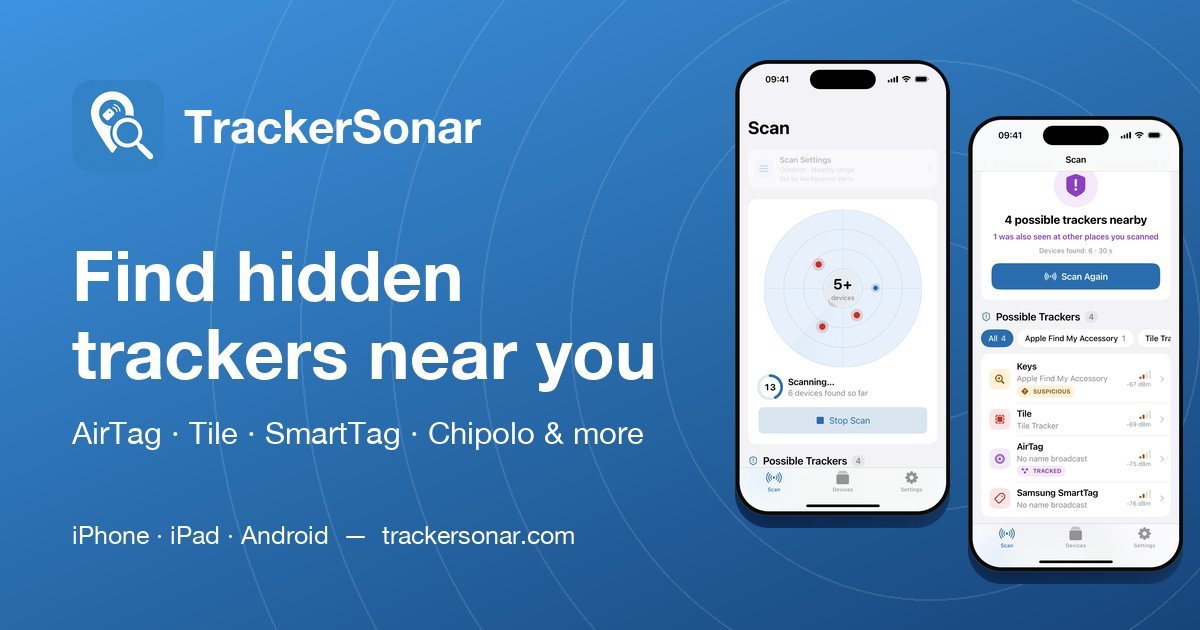
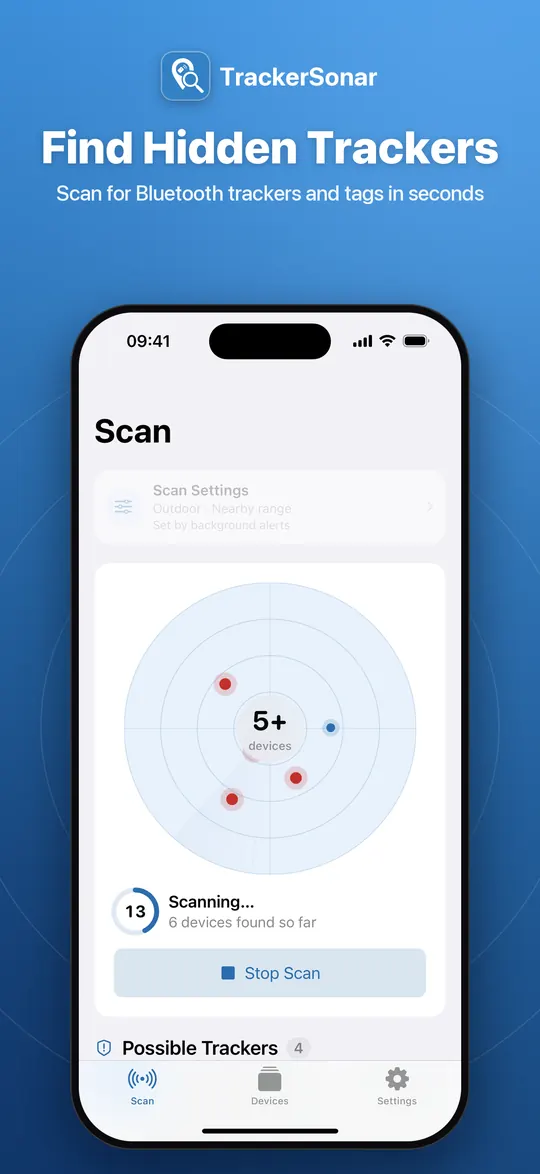
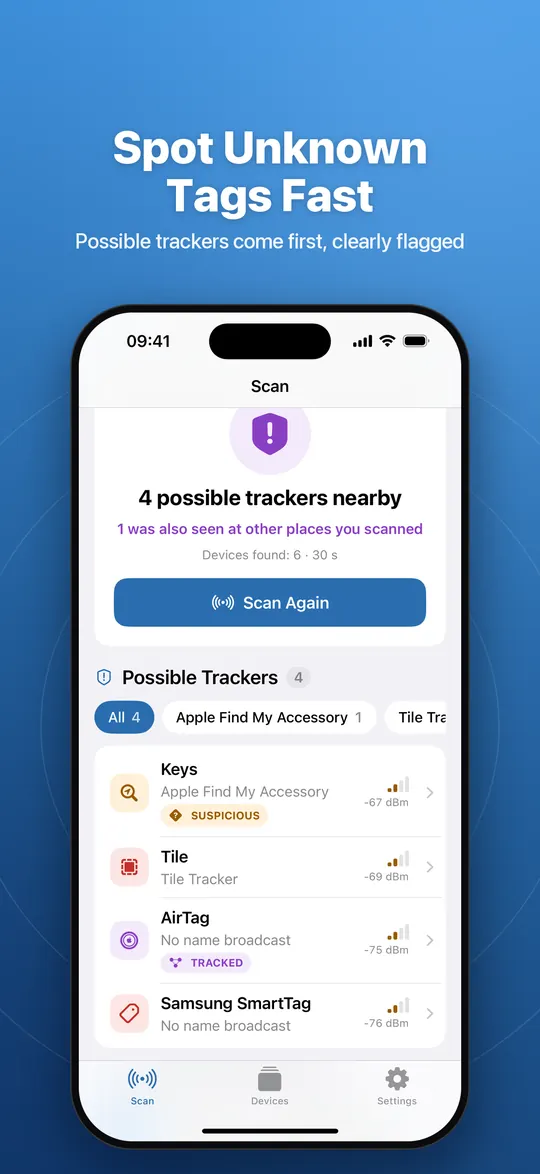
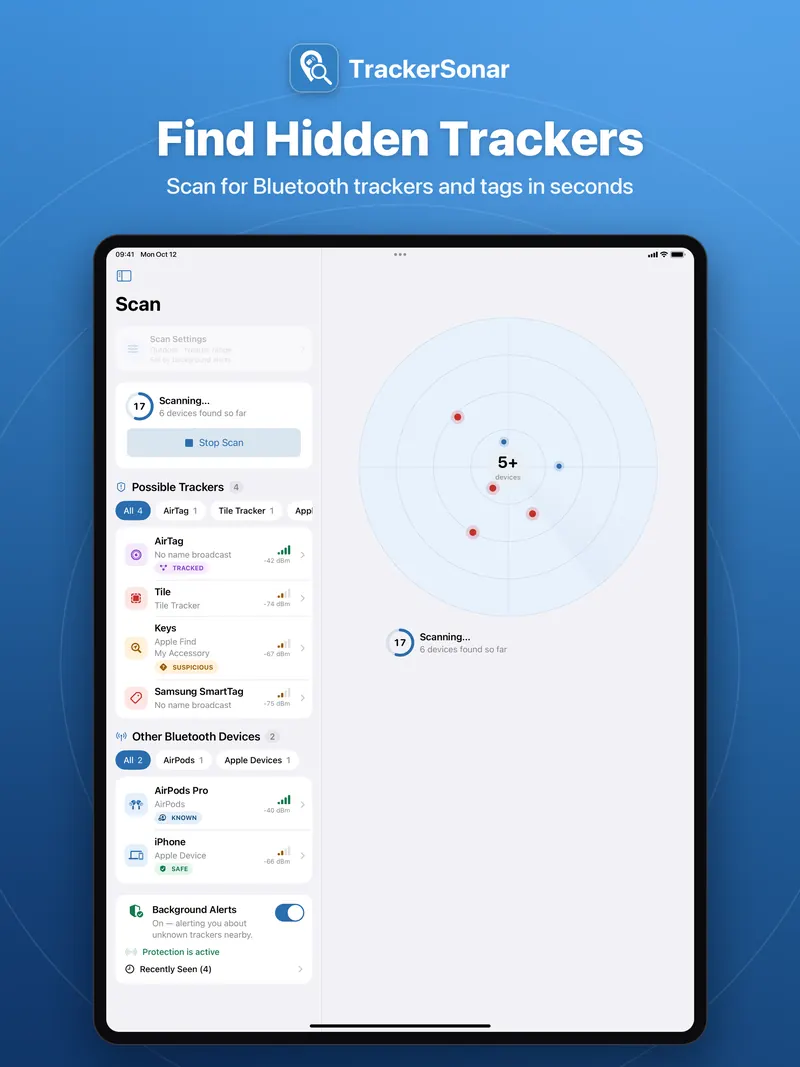
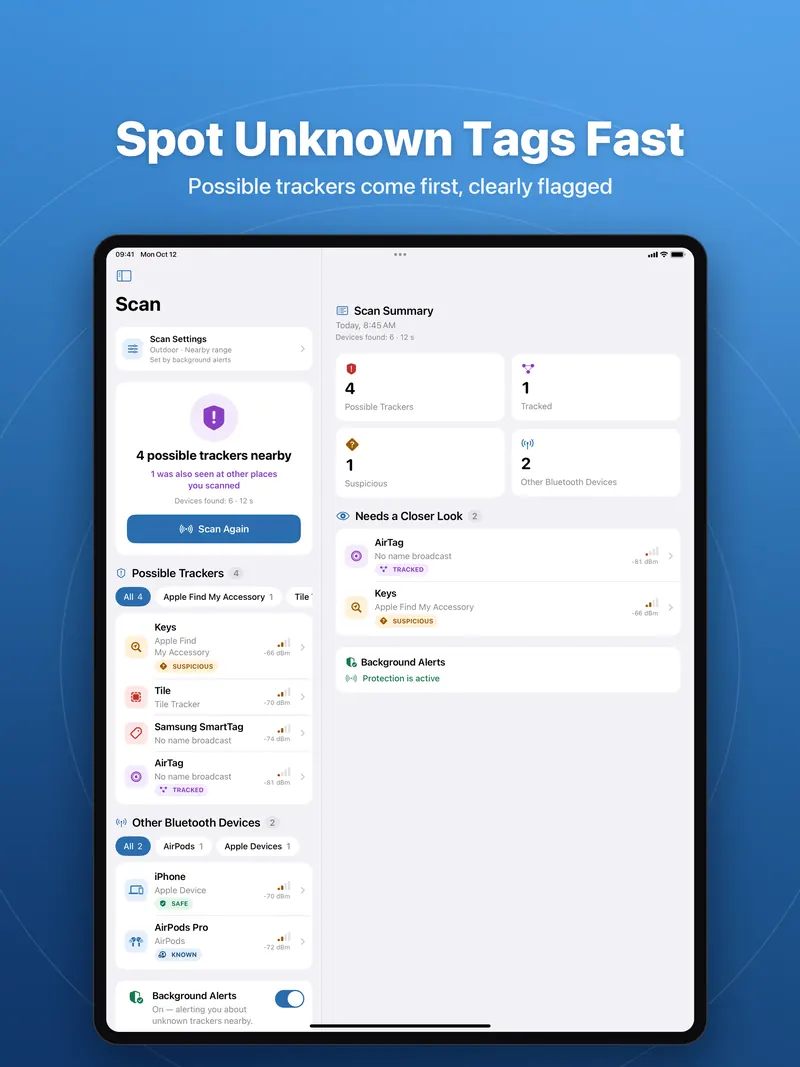
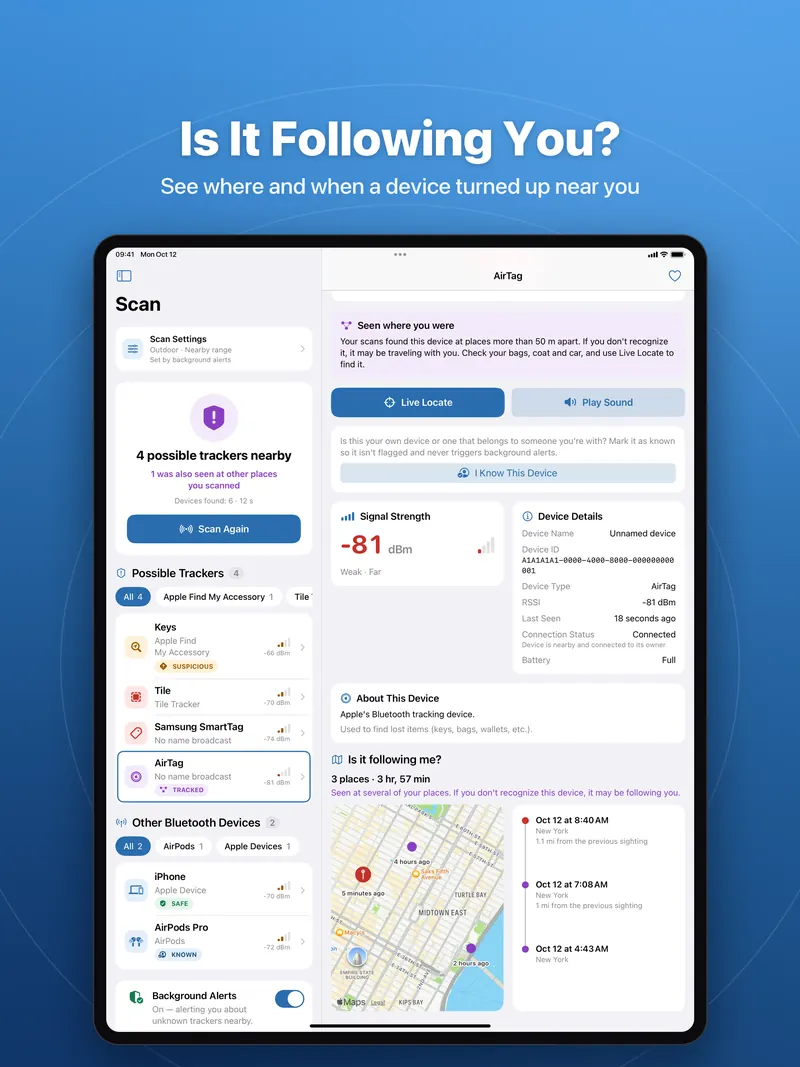
Please don’t alter the icon. Apple, Google and tracker brand names are trademarks of their owners; TrackerSonar is not affiliated with them.
Machine-readable versions
A summary for AI assistants is available at /llms.txt and the full text of this website at /llms-full.txt.